Bulk Marking & Grading
Mark an entire year group in minutes, not hours. Import student scripts from your local drive or cloud storage into our desktop app, and batch-grade every paper with the same accuracy and consistency as individual marking.
Built for Mocks, End-of-Year, and Termly Assessments
Import scripts, batch-mark every paper, and return feedback to students — all in one workflow. Same AI accuracy at scale: 85% exact match on structured questions, 0.97 correlation with professional markers.
Test Before You Commit
Run a small sample first to check accuracy and fine-tune the rubric. Once you're satisfied, process the full batch with confidence.
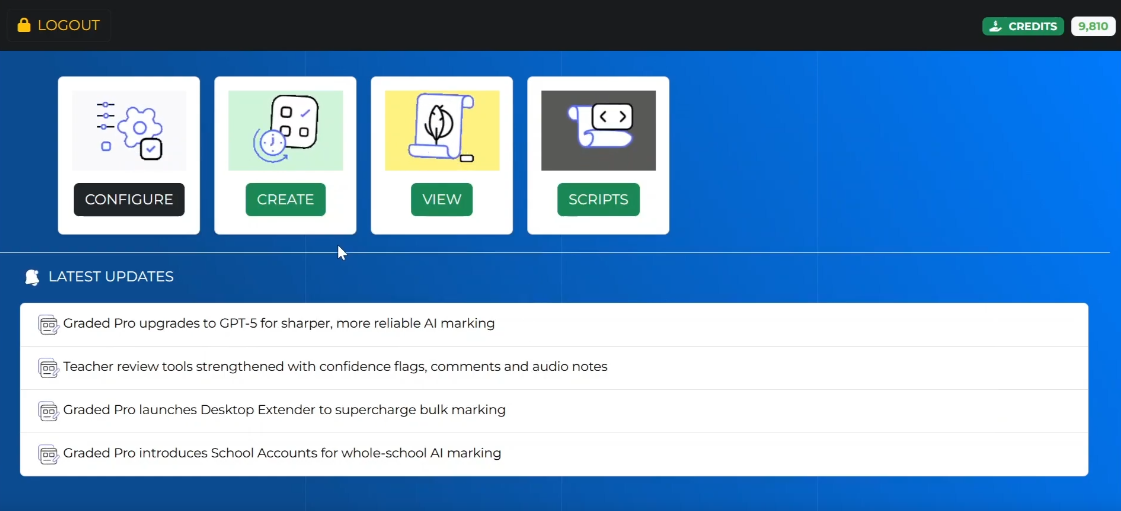
Native Desktop Power
Our Desktop Extender runs natively on Mac and Windows, integrating directly with your file system. Drag and drop folders, process scripts faster than any browser-based tool, and work offline when you need to.
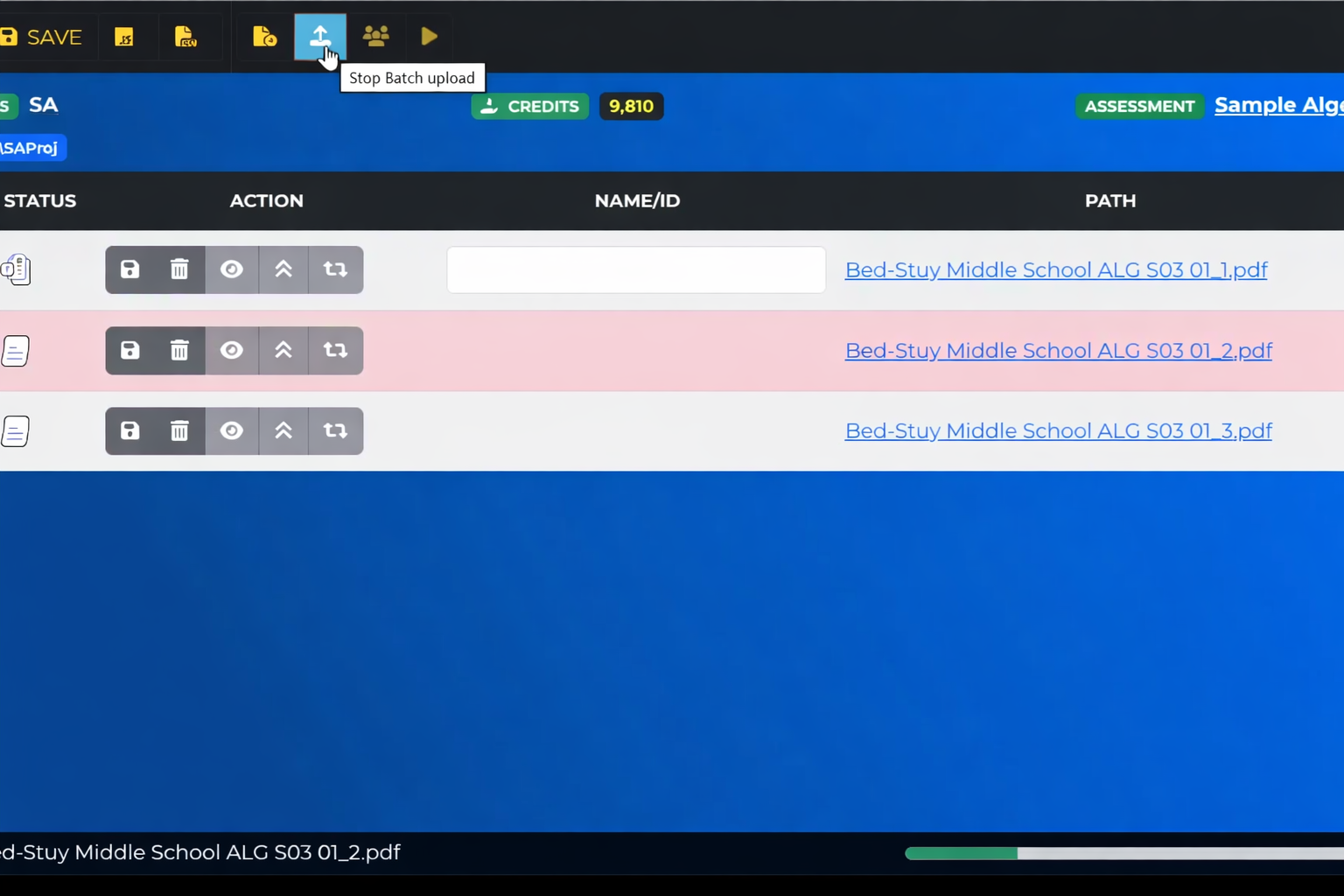
Upload an Entire Class or Year Group at Once
No uploading one file at a time. Select a folder of student scripts — PDF, Word, or images — and Graded Pro queues every paper instantly. Works with files from your local drive or cloud storage.
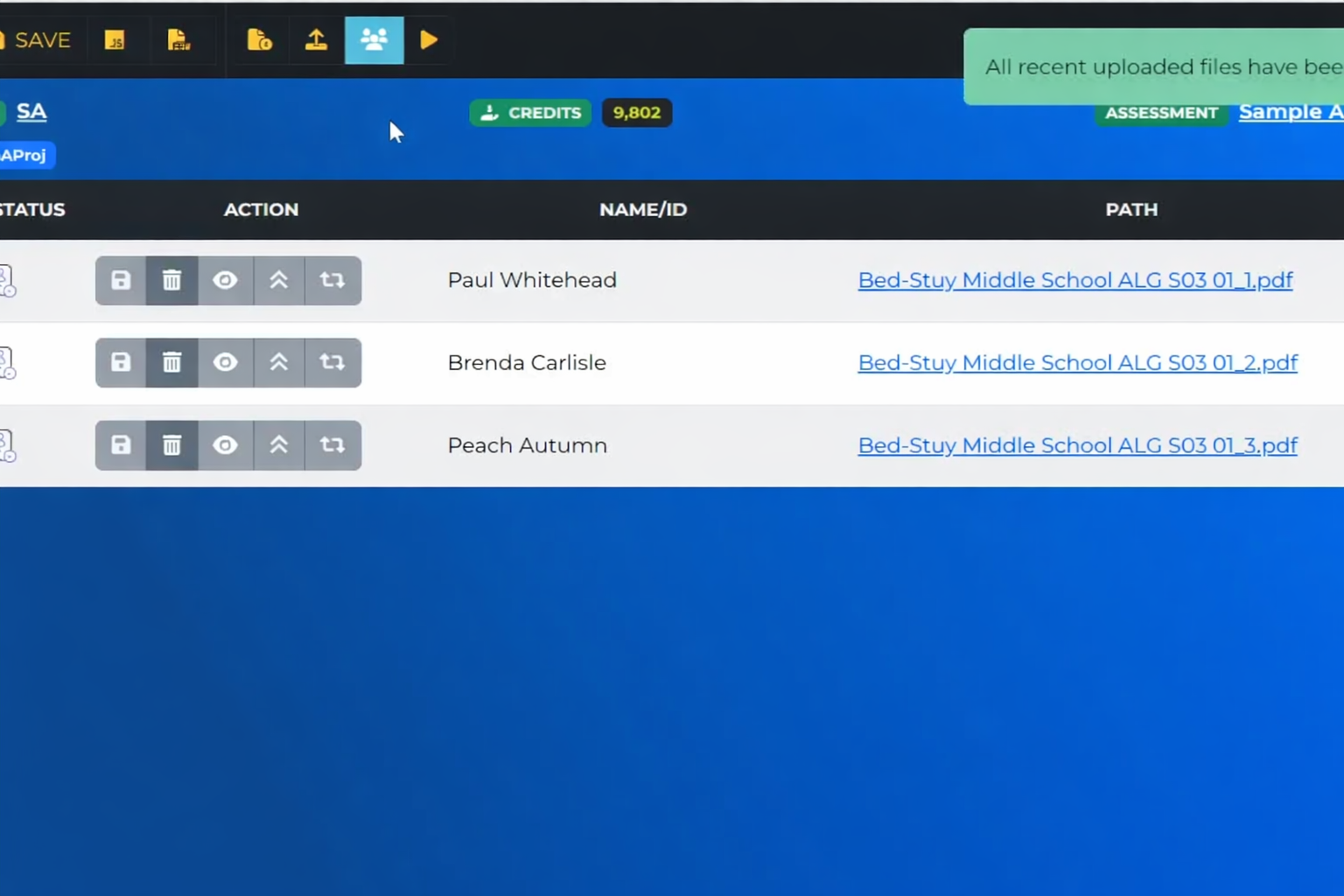
Scripts Matched to Students Automatically
The system reads filenames and matches them to your student roster. Review the matches, fix any mismatches with a click, and start grading — no manual sorting needed.
Advanced Controls
Test Rubrics
Validate your rubric on a sample before applying it to the full batch.
Custom Prompts
Fine-tune how the AI evaluates and gives feedback for specific assignments.
Custom Themes
Brand the grading interface with your institution's colours and logo.
Integrations & Flexibility
Choose Your AI Model
Select which AI model powers the grading — balance speed, cost, and accuracy for your needs.
Connect Your Systems
Integrate with your LMS, student information system, or custom workflows via scripts and APIs.
Hands-On Setup Support
Our team helps you set up rubrics, run accuracy checks, and get confident with the system before you go live. Ongoing support to maintain consistent grading quality across your school.

Export & Reporting
Download results as a spreadsheet for your records, or connect to your MIS and reporting tools.
Export JSON
A structured record of every marking decision and feedback comment — ready for compliance audits and internal review.
Export CSV
Open in Excel or import into your MIS. Track trends across classes, cohorts, and time — or feed directly into your school's reporting pipeline.