AI Marking & Grading for Teachers
Set work. Collect submissions. Get detailed, rubric-linked feedback in seconds — then review, personalise, and return. From daily homework to AP, GCSE, and IB exams, across every subject.
Set Work in Seconds
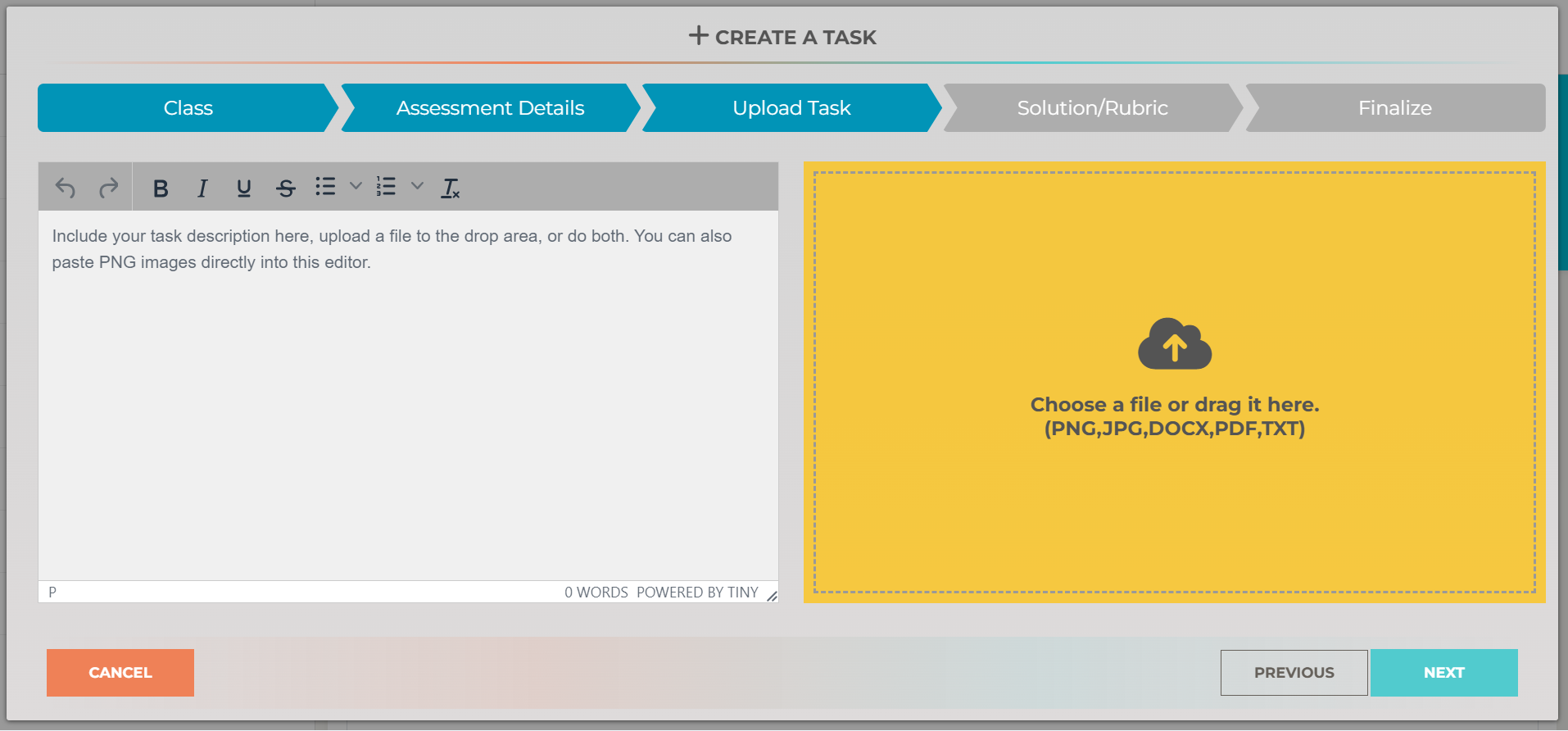
Create assignments with instructions, resources, and a mark scheme or rubric. Don't have a rubric? Upload the task and our AI will generate one for you. Works for any subject, any level — from elementary homework to AP exams, GCSE mocks, and IB assessments.
Collect Work, Any Format
Students submit however suits them — typed or handwritten, photographed or digital. Teachers can also upload student work directly. We accept PDF, Word, Excel, PowerPoint, images, text files, and Google Docs.
- Google Classroom — syncs automatically
- Mobile App — scan handwritten work with the camera
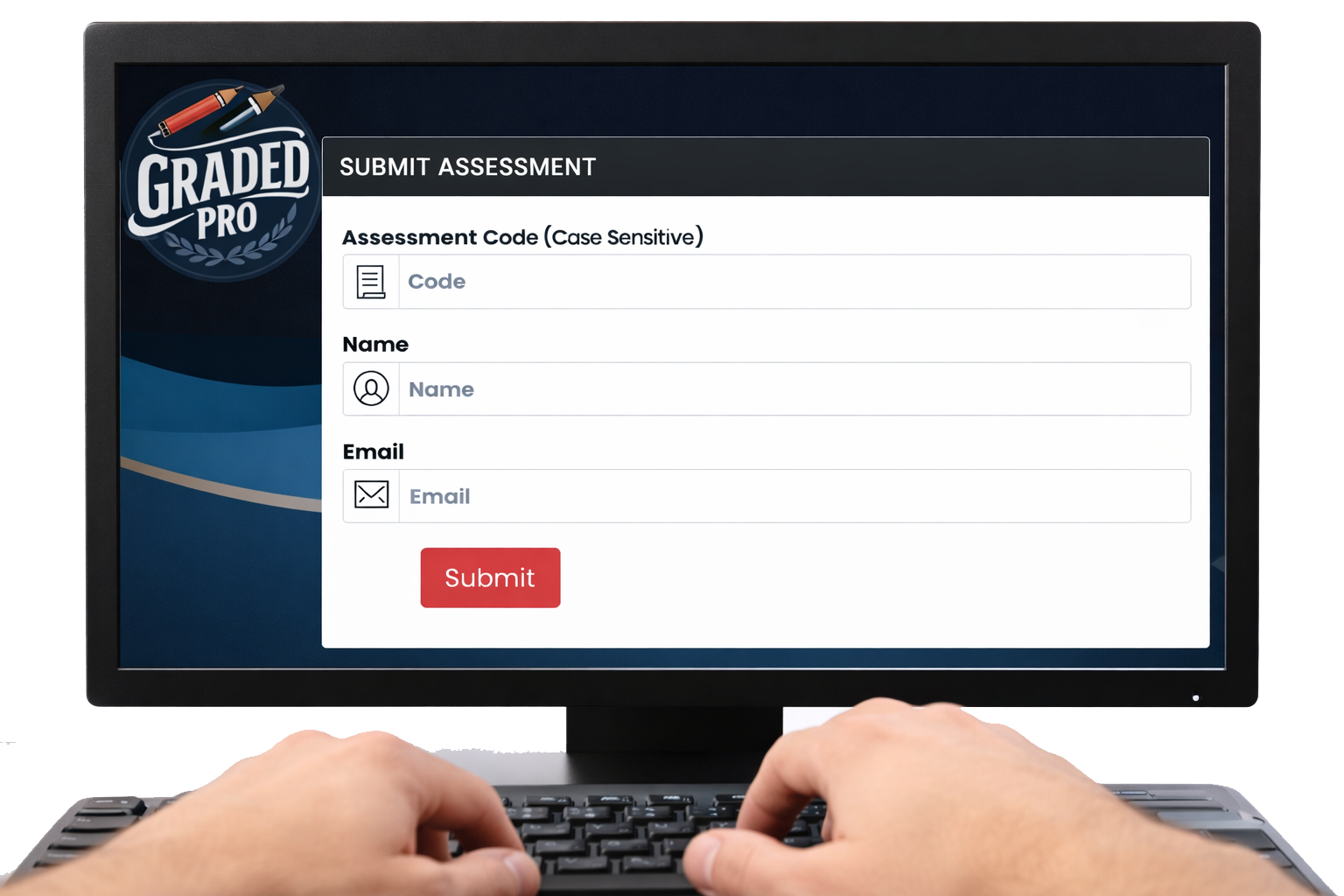
- Student Portal — upload any file directly
- Teacher Upload — upload work on behalf of students
Instant AI Feedback
The AI reads the student's work — handwritten or typed — and grades it against your rubric. Each mark is linked to a specific criterion, with strengths highlighted and clear next steps for improvement.
Our marking and grading achieves 85% exact match on structured questions and a 0.97 correlation with professional markers — outperforming experienced human examiners. See our accuracy data →
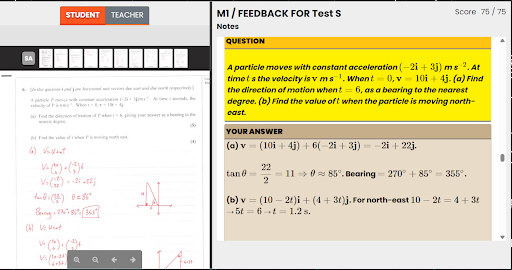

Review & Refine
You're always in control. Review the AI's feedback, adjust grades, reword comments, or add your own observations. Choose a feedback style that suits your classroom — concise or detailed, formal or encouraging. Nothing goes back to students until you say so.
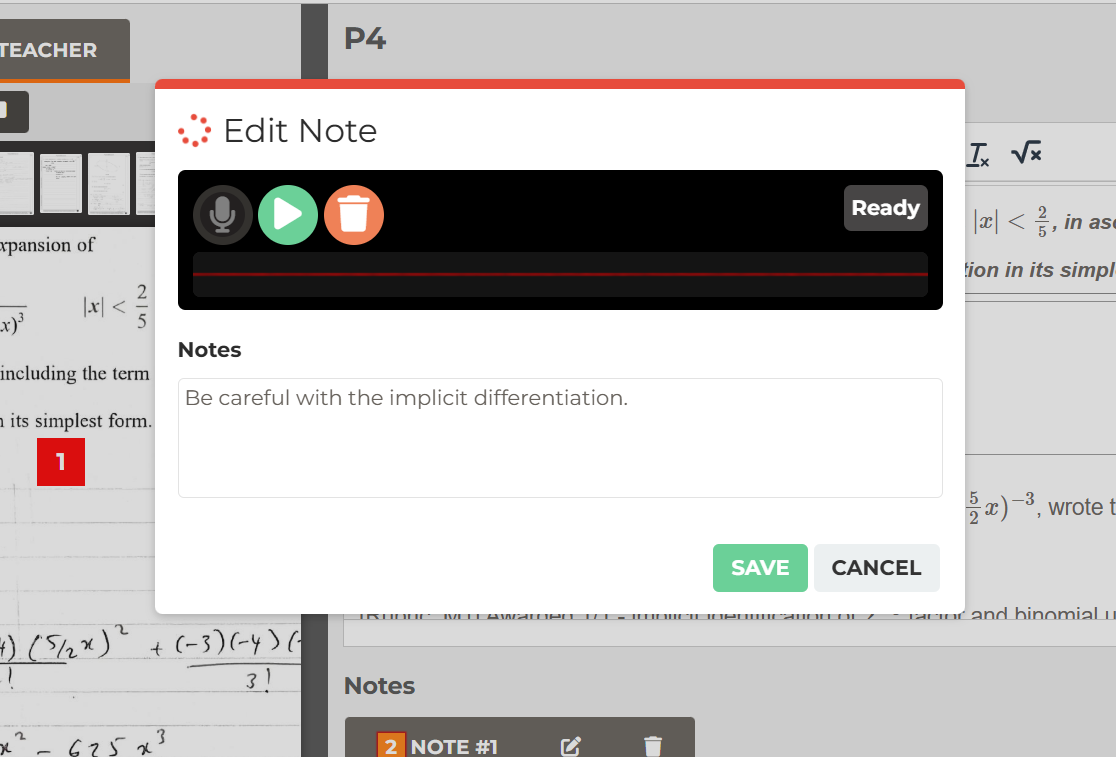
Add Your Voice
Record a quick voice message to explain a tricky concept, celebrate great work, or give the kind of personal encouragement that text alone can't deliver. Students hear you, not a machine — and it takes seconds.
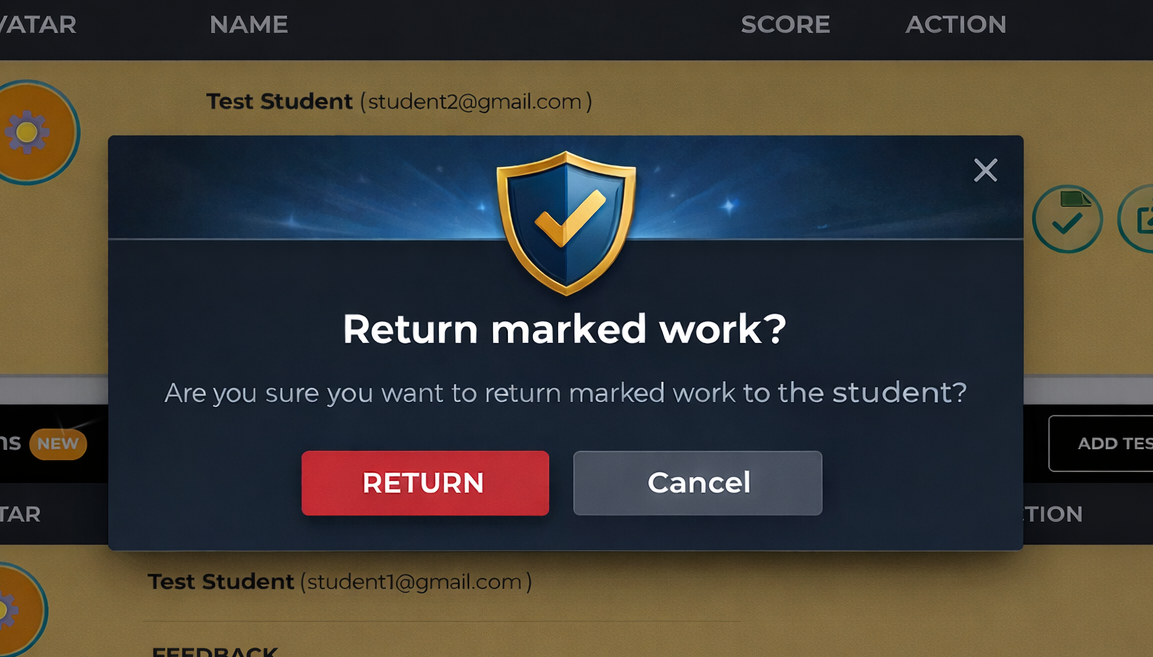
Return in One Click
Send graded work back to the whole class or individual students with a single click. Students get notified instantly and can view their feedback, marks, and voice notes on any device. No printing, no photocopying, no lost papers.
Works With Everything You Teach
Upload any mark scheme, rubric, or scoring guide and the AI adapts. No subject restrictions, no curriculum lock-in. Used with Common Core, AP, IB, GCSE, A Level, and more.
Reads handwriting, typed text, diagrams, equations, code, and images with high accuracy.