The Graded Pro app family

From the back of the classroom
to the edge of your desk.

A pocket-sized companion for capturing student work in the moment, and a native desktop app that works through entire year groups. Install both — everything syncs automatically.
Graded Pro Desktop Extender
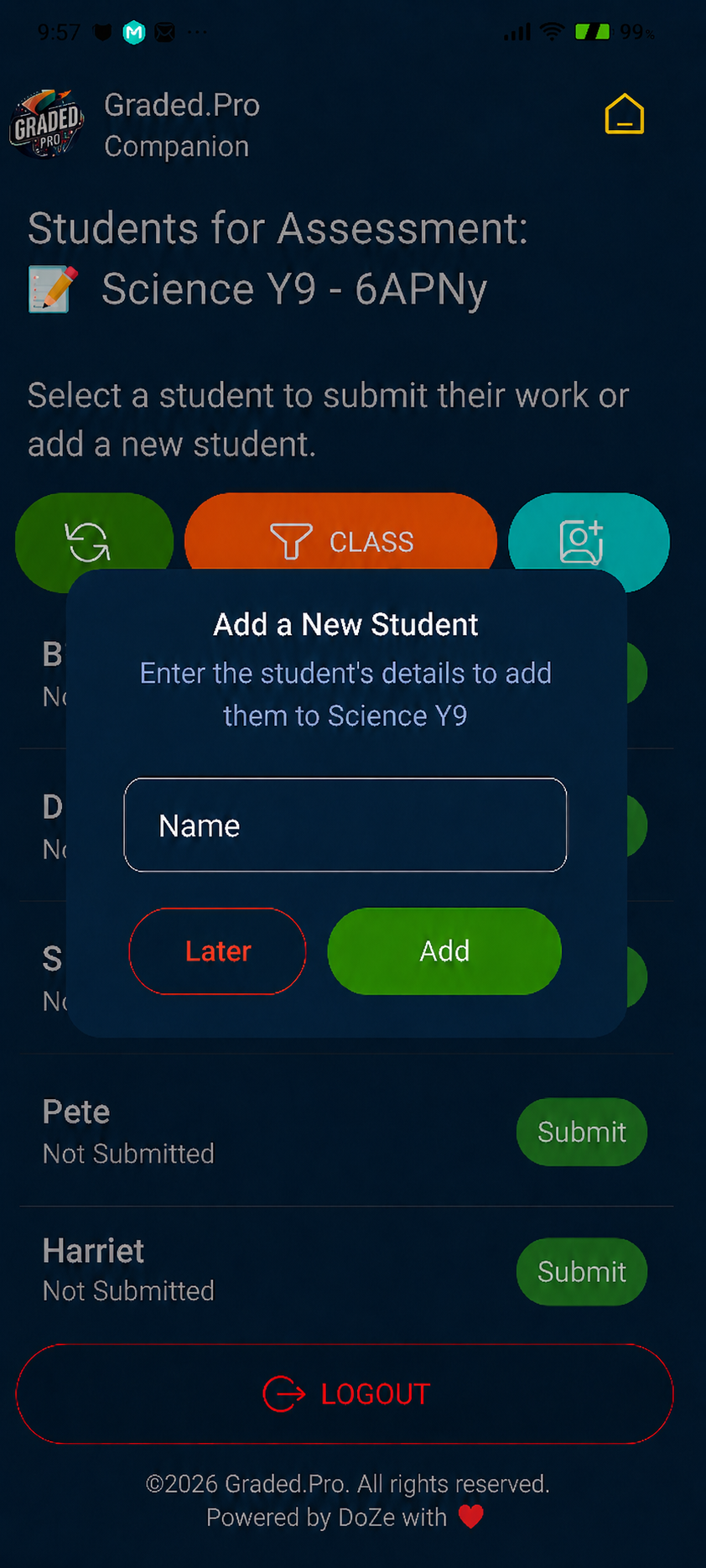
Add students screen
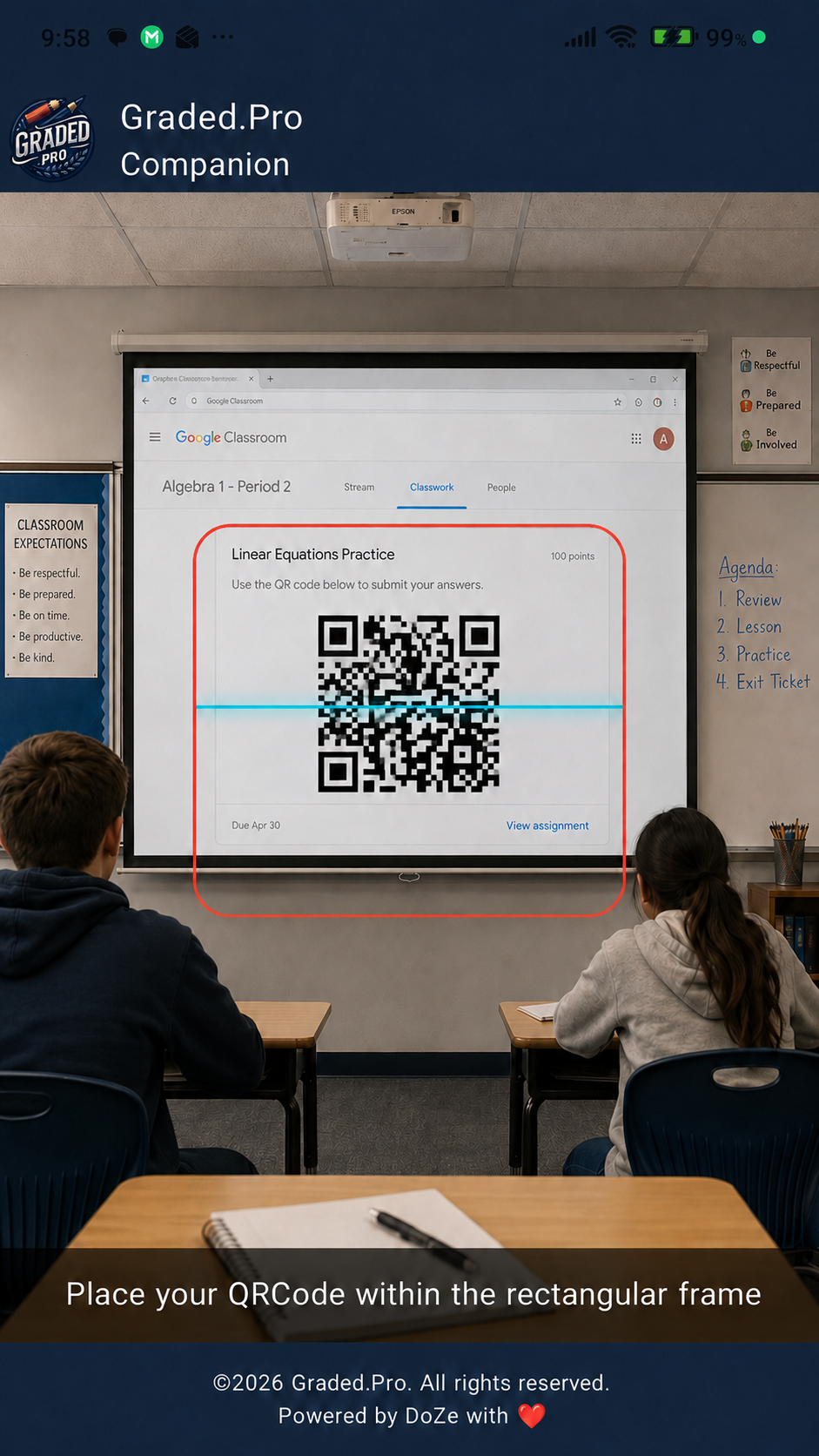
Scan QR screen
Add students screen
Scan QR screen
Mobile · iOS & Android

The Companion
lives in your pocket.

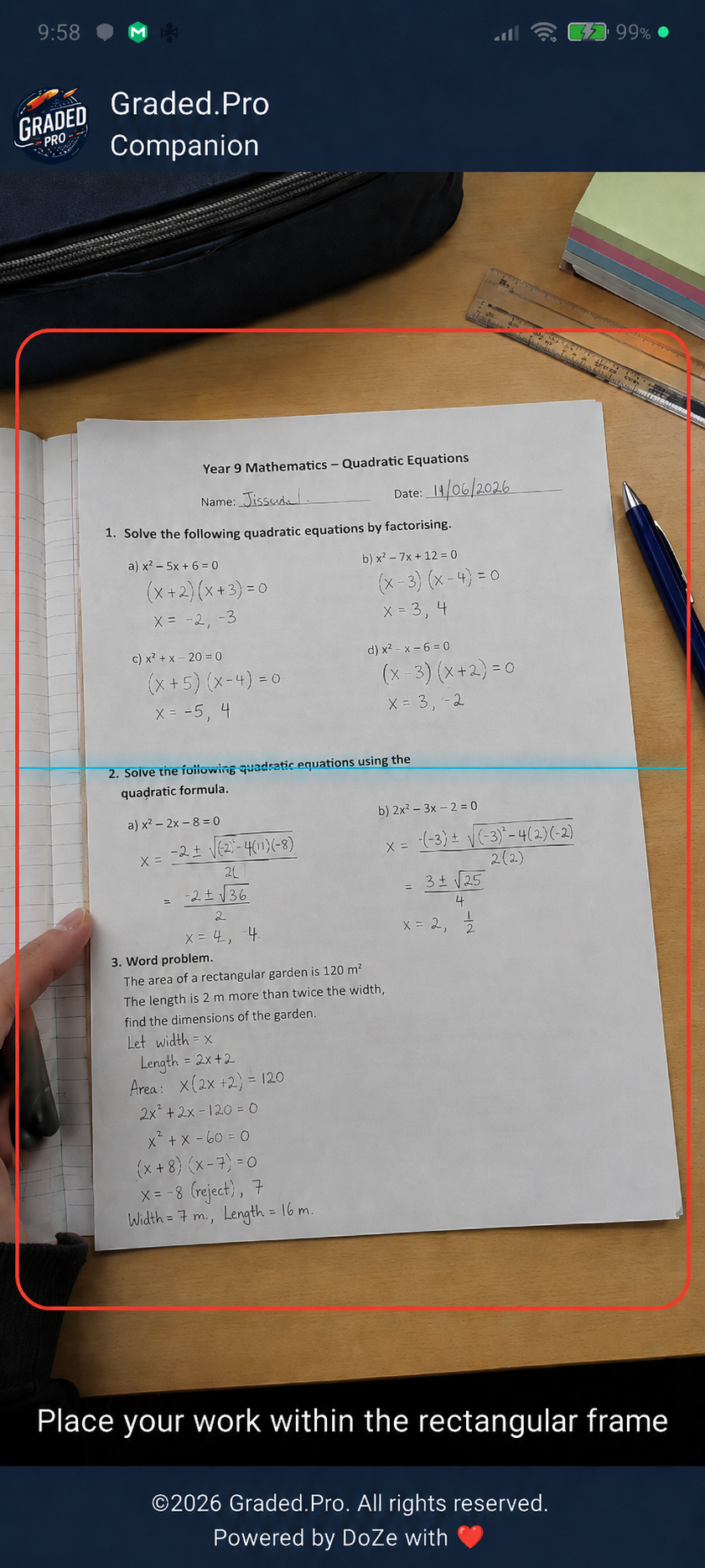
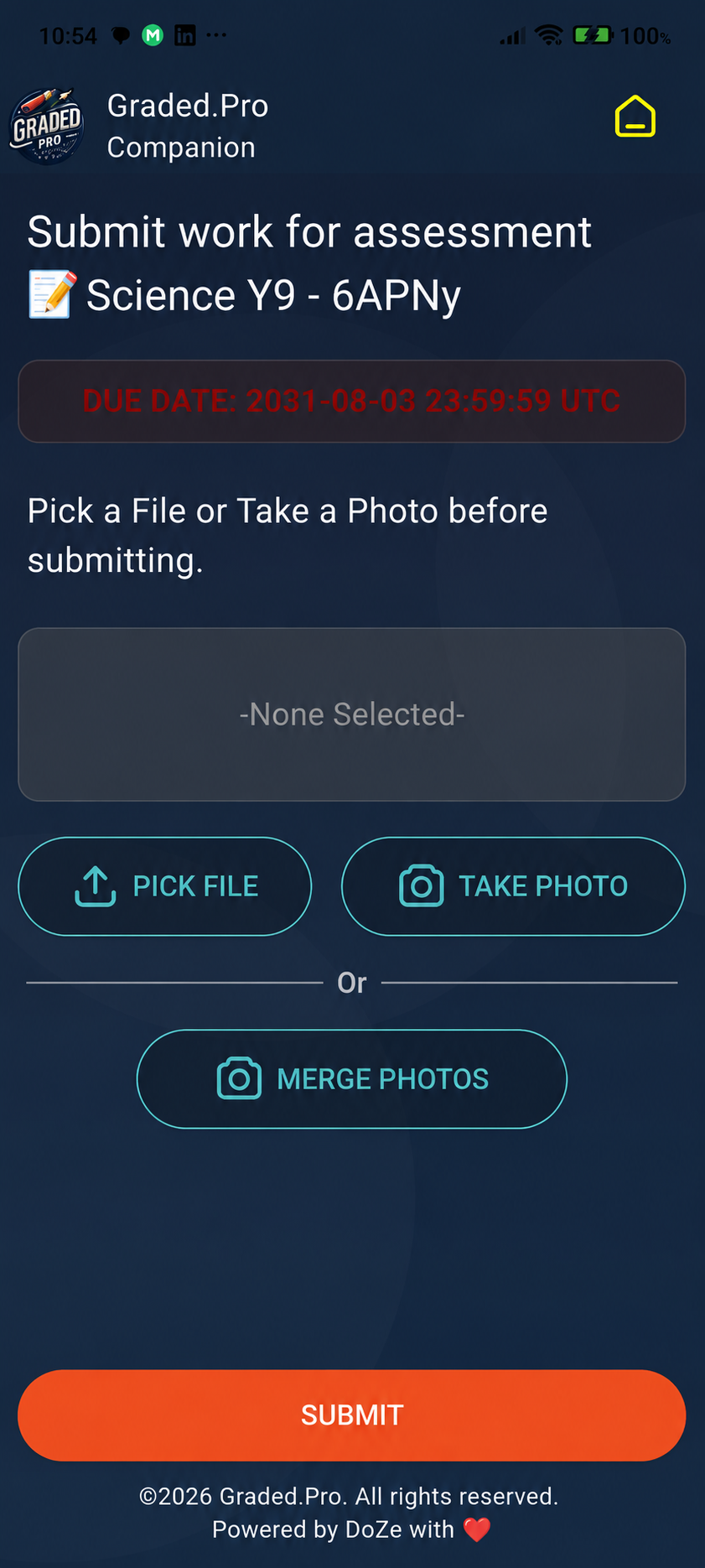
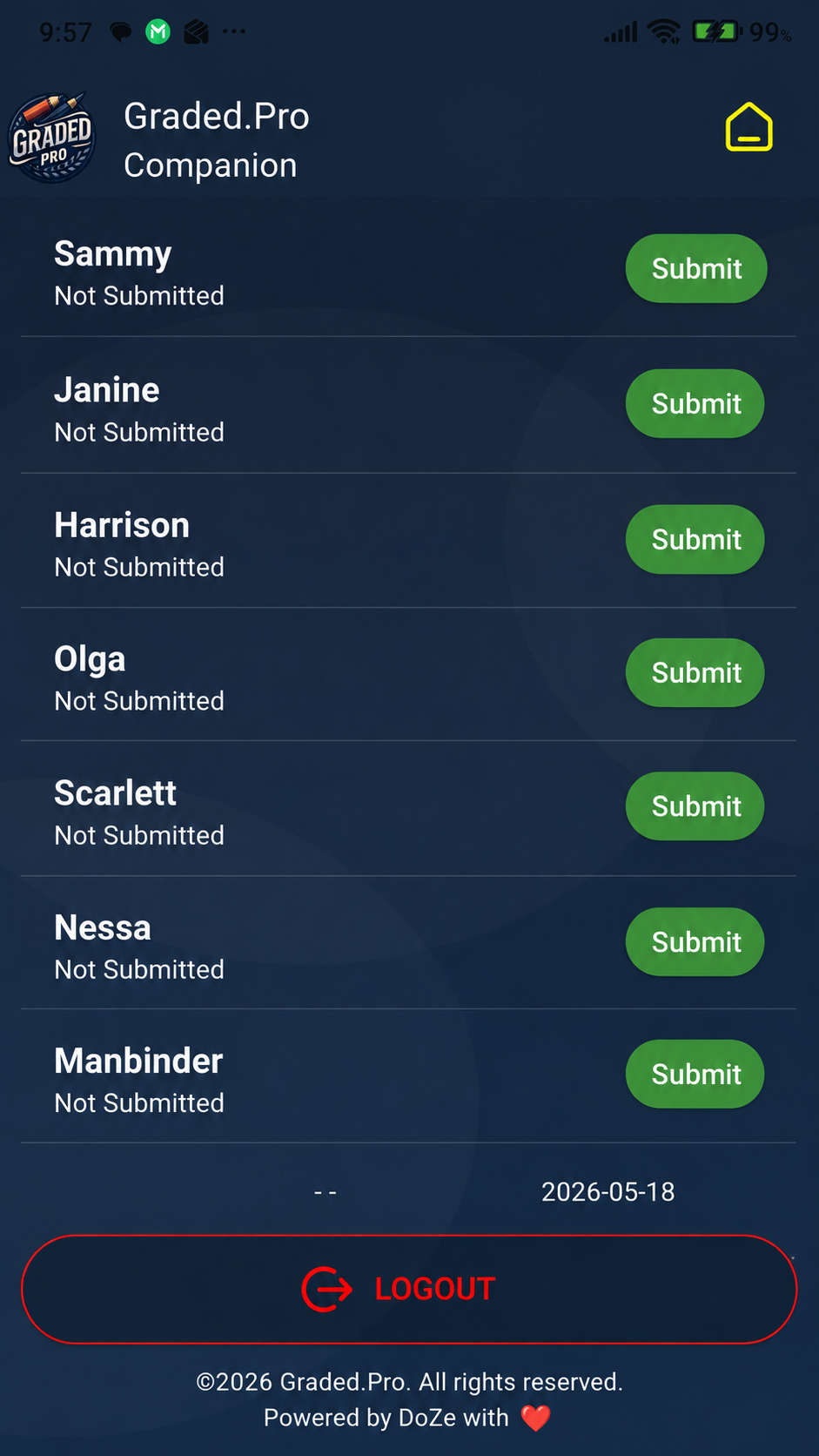
Students snap their work and upload straight from their phone. Teachers photograph on students' behalf when needed. Everything lands in the same grading queue.
Snap & submit
Students photograph their work or pick a file — uploads straight to the assessment.
Merge photos into one PDF
Multi-page work becomes a single submission.
Join with a class code
Short codes unlock the right assessment instantly.
Or scan a QR
Teachers share a QR on the board — students are in with one scan.
Teacher-proxy capture
Teachers can photograph student work on their behalf and submit for them.
Submit work screen
Submit screen
Capture work screen
Desktop · Mac & Windows

The Desktop Extender grades
a year group before lunch.

Drag a folder of scripts onto a native Mac or Windows app. It matches files to students, runs your rubric, and hands you back graded results.

Desktop Extender
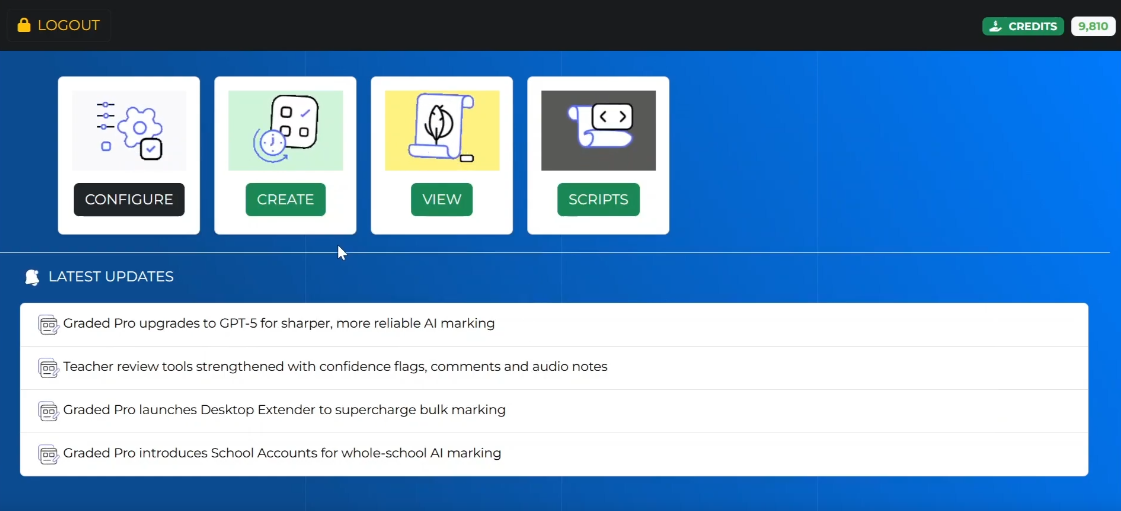
Desktop Extender window
Upload Scripts

Upload an entire class
or year group at once.

No uploading one file at a time. Select a folder of student scripts — PDF, Word, or images — and Graded Pro queues every paper instantly. Works with files from your local drive or cloud storage.
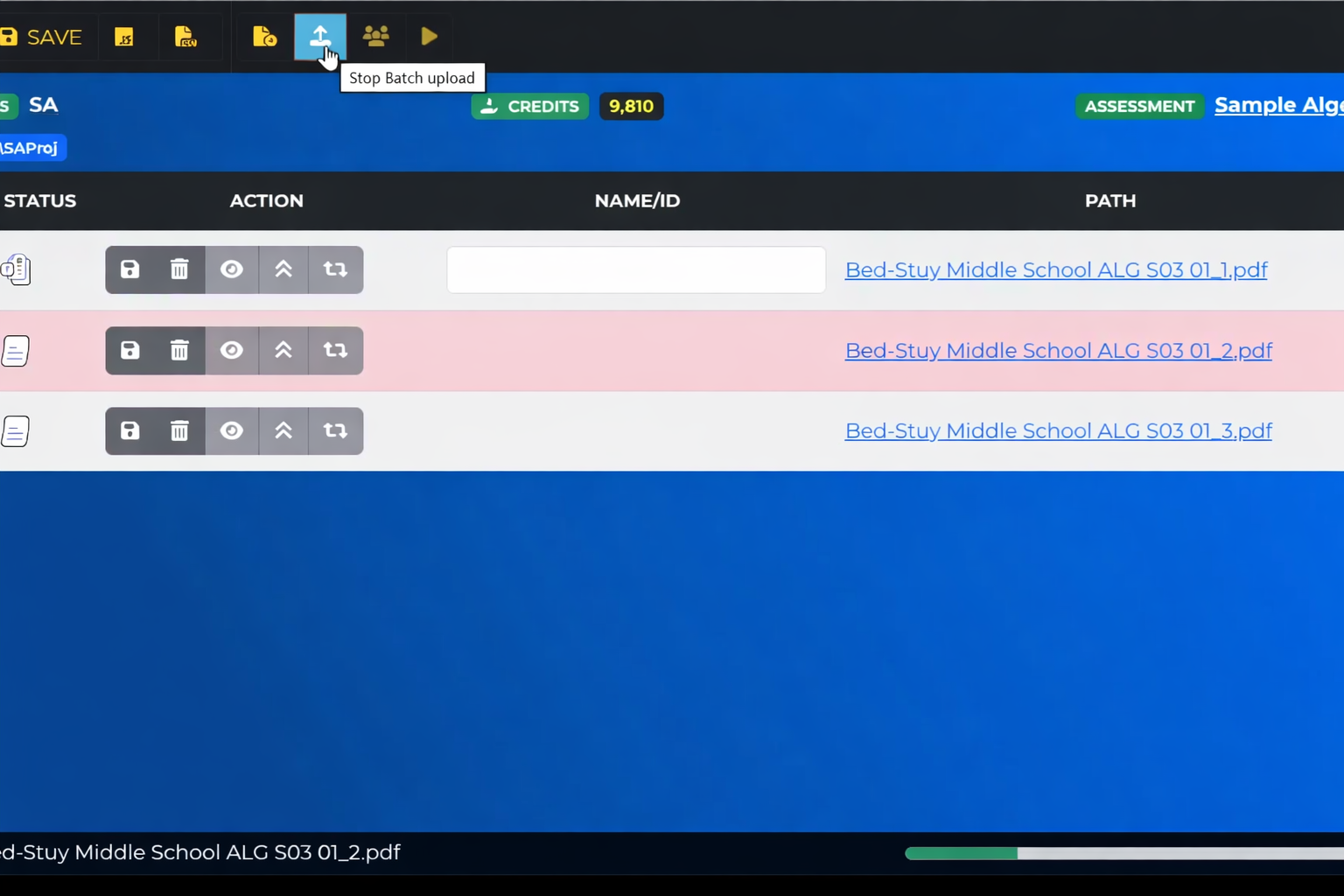
Upload student scripts
Auto-Match

Scripts matched to students
automatically.

The system reads filenames and matches them to your student roster. Review the matches, fix any mismatches with a click, and start grading — no manual sorting needed.
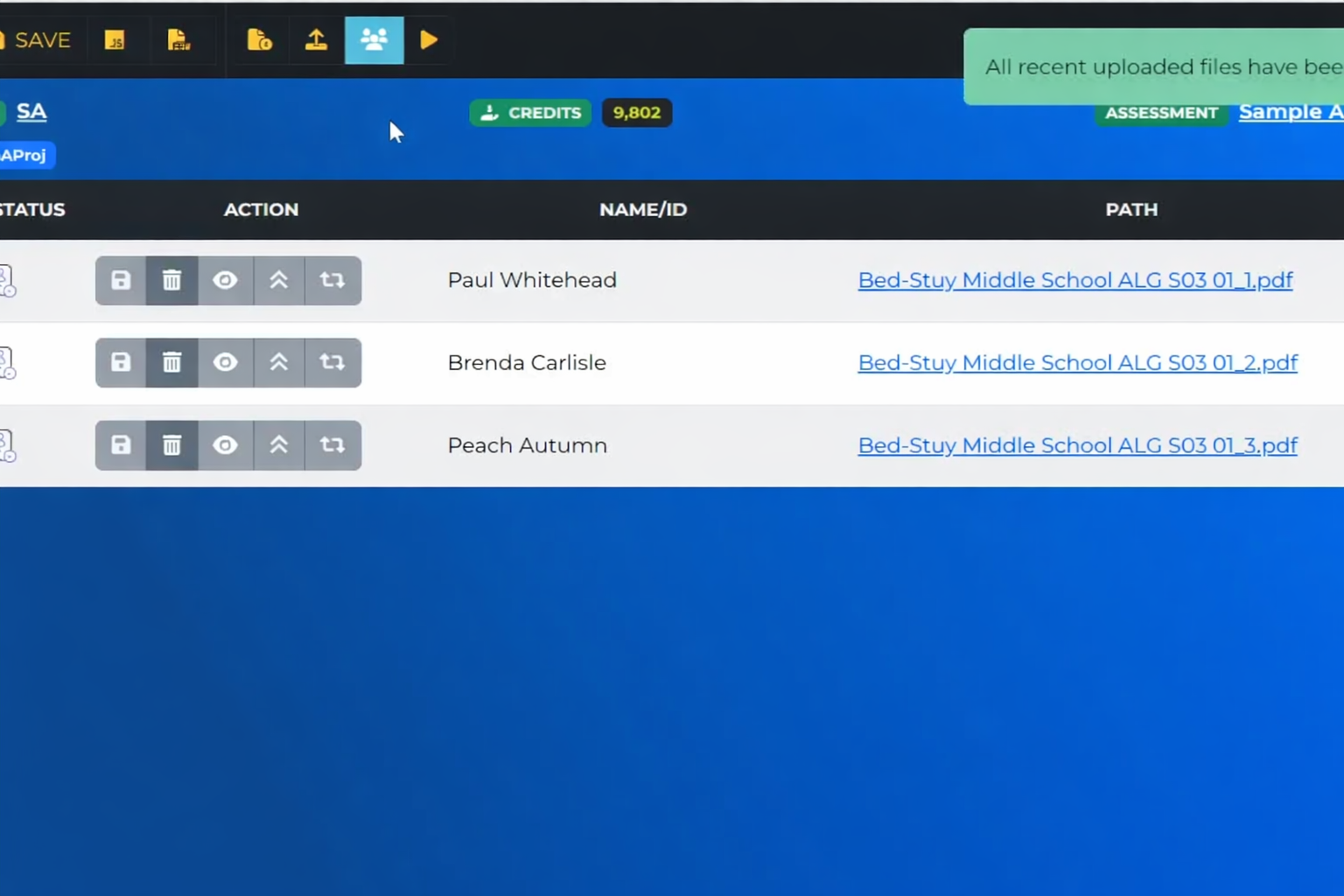
Student name matching
Support

Hands-on setup
from our team.

We help you set up rubrics, run accuracy checks, and get confident with the system before you go live. Ongoing support to maintain consistent grading quality across your school.

Graded Pro support
Drag & drop folders
Local drive or cloud — the app queues every paper instantly.
Test on a sample first
Validate your rubric on 5 scripts, then run the full batch.
Choose your AI model
Pick the model that balances speed, cost, and accuracy.
Custom prompts & rubrics
Fine-tune how the AI evaluates and gives feedback.
Runs natively & offline
Native Mac & Windows apps. Work without a connection.
Export CSV · JSON
Open in Excel or push directly into your MIS.
Connect your systems
Integrate with your LMS via scripts and APIs.
85% / 0.97 at scale
Same AI accuracy as individual marking.

Choose a plan that fits your needs and budget

Our Pricing Plans

Teacher Free

Try Graded Pro risk free

$0

150 Credits Free

50 FREE Credits / Month - Max 50

Full Graded Pro Toolkit

Email Support

Single User

Teacher Pro

Best Choice for Busy Teachers

$25

6000 Credits

No Expiration Date

Access to all Features

Priority Email Support

Single User

School Account

Whole School or Departments

Custom Quote

Pooled Credits

No Expiration Date

All Features + User Dashboard

Dedicated Manager

Multiple Users

The number of credits needed to mark each student's work depends on the amount of text and images submitted, whether the work is handwritten or typed, and the level of feedback required.


Task Type Credits Used Approx. Cost (USD)
Basic task ~3 credits 1 cent
In depth task 8 –10 credits ~3 cents
Full exam marking ~30 credits ~10 cents

Weekly grading for 125 students (e.g. 5 classes) requires around 4,500 credits per month.